
Use a Template
Start a document from a template, assign a signer to each role, and send it.
3 min readUpdated
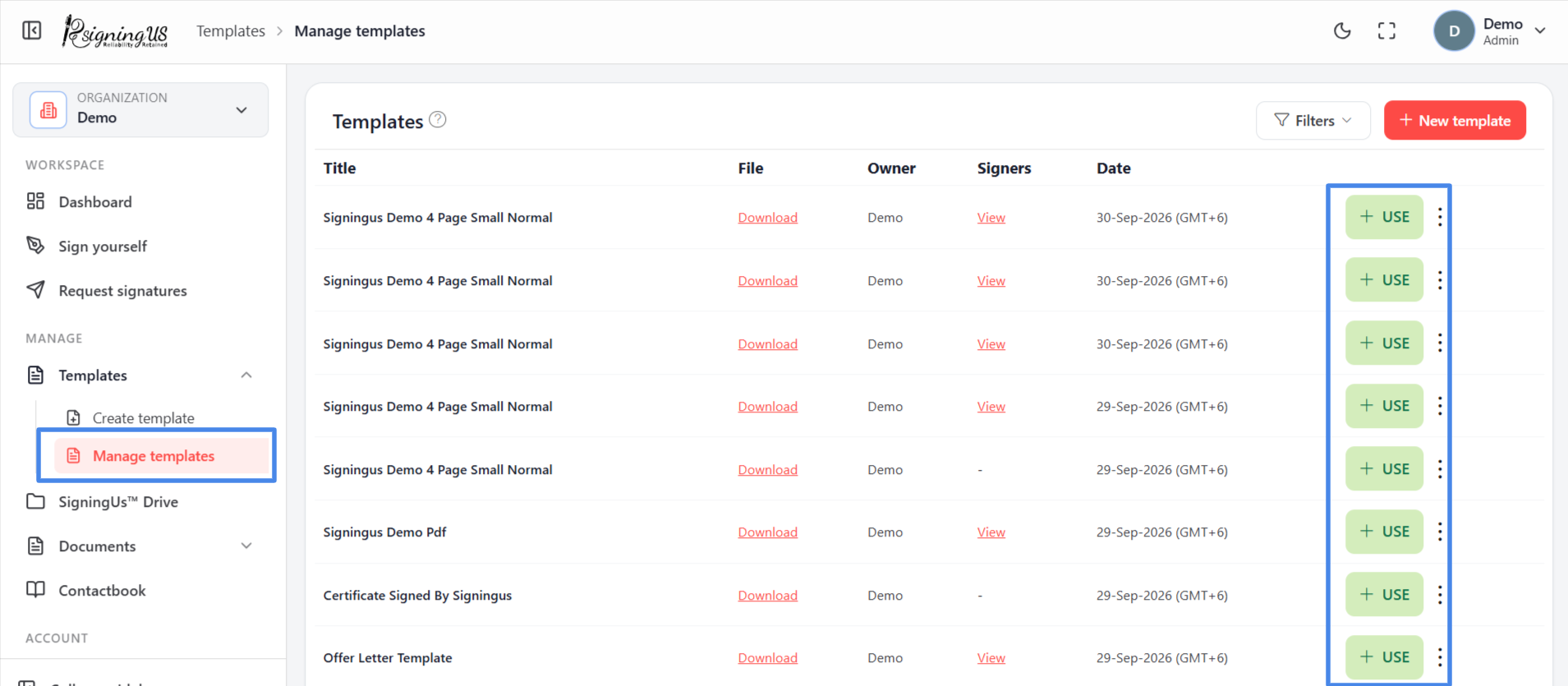
Start the Document#
- In the sidebar, open Templates → "Manage templates".
- Find the template and select "Use".
- SigningUS creates a new document using the template's file, fields, and settings, then opens it.
Attach a Signer to Every Role#
Each role in the recipients list must be assigned to a person. Select the attach icon beside a role, then choose someone from your contacts or add a new contact. The person is assigned to every field associated with that role, which is shown in the role's colour.
- Roles that already have a contact attached in the template are filled in automatically. You can change them if needed.
- You can adjust the fields on the new document without affecting the original template.
- Once every role has a signer, send the document as you would any other signature request.
Still stuck? Email support@signingus.com and tell us which page you were on and what you expected to happen.