
Cancel or Resume
What cancelling does, why your account is locked after the plan ends, and how to resume or reactivate your subscription.
3 min readUpdated
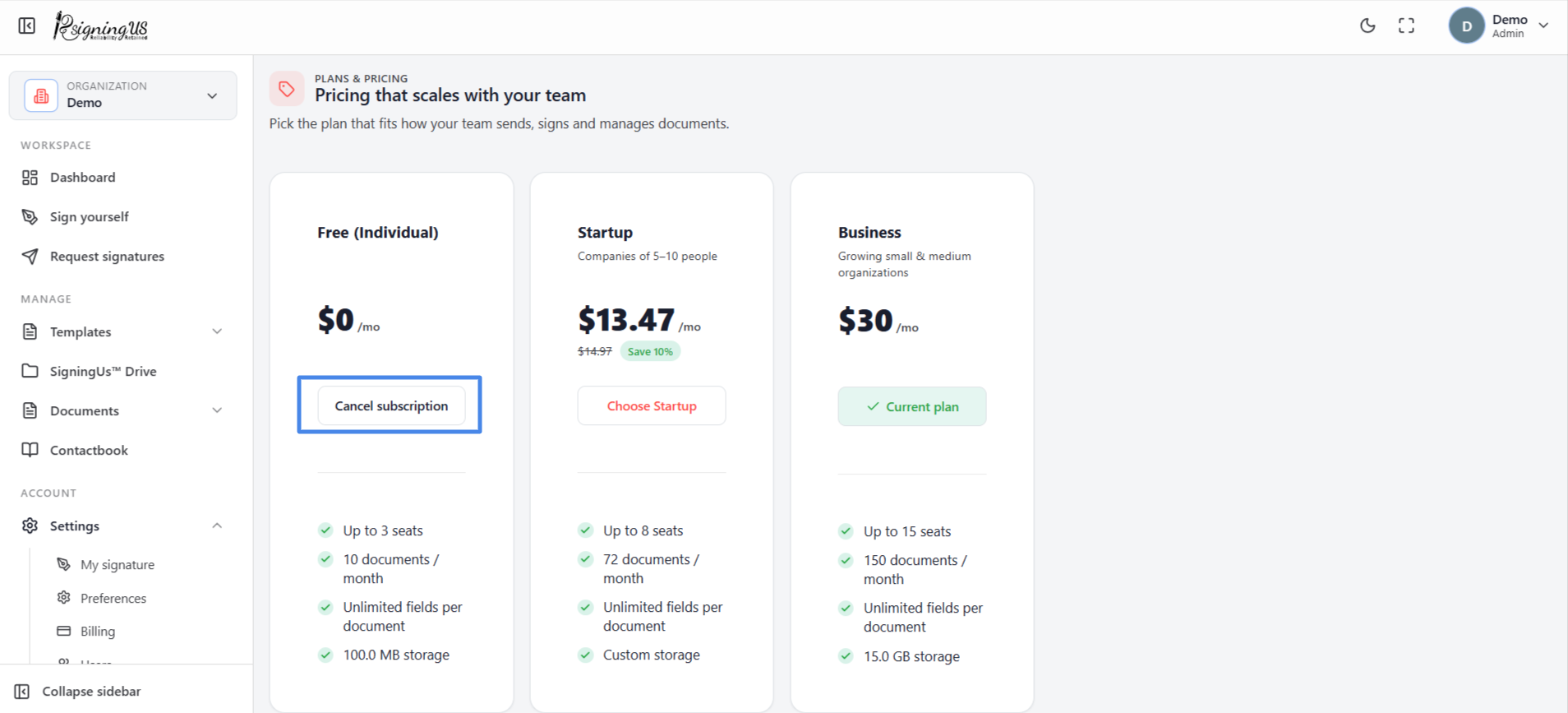
Cancel#
- On the Billing page, select "Cancel subscription".
- Read the confirmation, then select "Cancel at period end". Select "Keep plan" to cancel the cancellation.
- The status changes to "Cancels soon", and a banner shows the date the plan ends.
What Happens After the Plan Ends#
- You keep full access until the end of the period you have already paid for.
- After that date, your account is locked. Cancelling does not move you to a free plan.
- You cannot create, send, or upload anything until you choose a plan again.
- Nothing is deleted. Your documents remain available to view and download, and documents already out for signature can still be signed.
Change Your Mind Before the Date#
Select "Resume subscription" on the Billing page. You see "Subscription resumed", and the plan continues as before.
Reactivate After the Plan Has Ended#
The Billing page shows that your plan has ended, with a "Reactivate" button. Select it to go to checkout. To choose a different plan instead, select "Choose another plan" or "See all plans".
Still stuck? Email support@signingus.com and tell us which page you were on and what you expected to happen.