
Invite members by email
Send an invitation so the person can set up their own password and join your organization.
2 min readUpdated
An invitation emails the person a link. They set their own password when they accept the invitation, so no sign-in details need to be shared. If they already have a SigningUS account, they can join using their existing account.
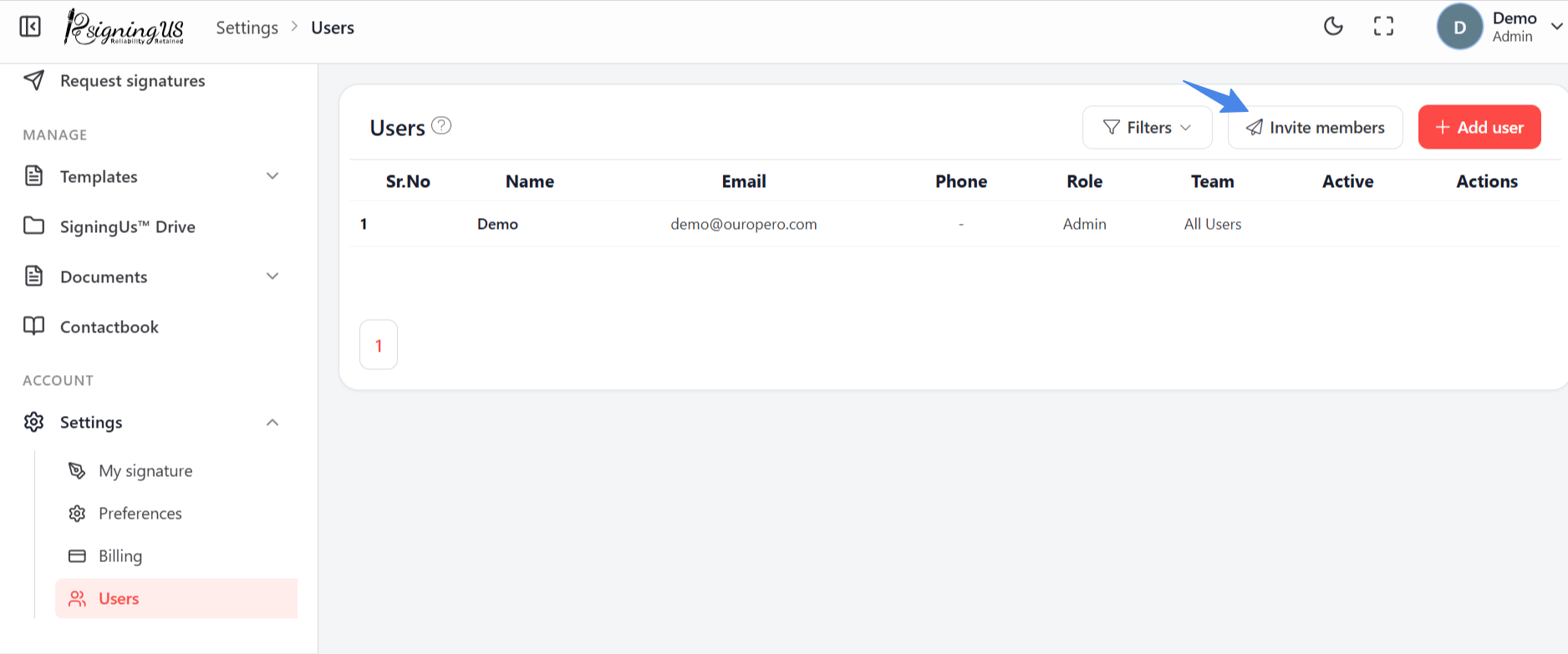
- Go to Settings → "Users" and select "Invite members". Admins can also access this page from "Invite members" on the welcome checklist.
- Under "Send an invitation", enter the person's Email.
- Choose a Role: OrgAdmin, Editor, or User.
- Choose a Team. It starts with "All Users".
- Select "Send invite". You will see "Invitation sent", and the invitation will appear in the "Invitations" list.
Still stuck? Email support@signingus.com and tell us which page you were on and what you expected to happen.