
Usage and limits
How seats, monthly documents, and storage are counted, and what happens when you reach a limit.
3 min readUpdated
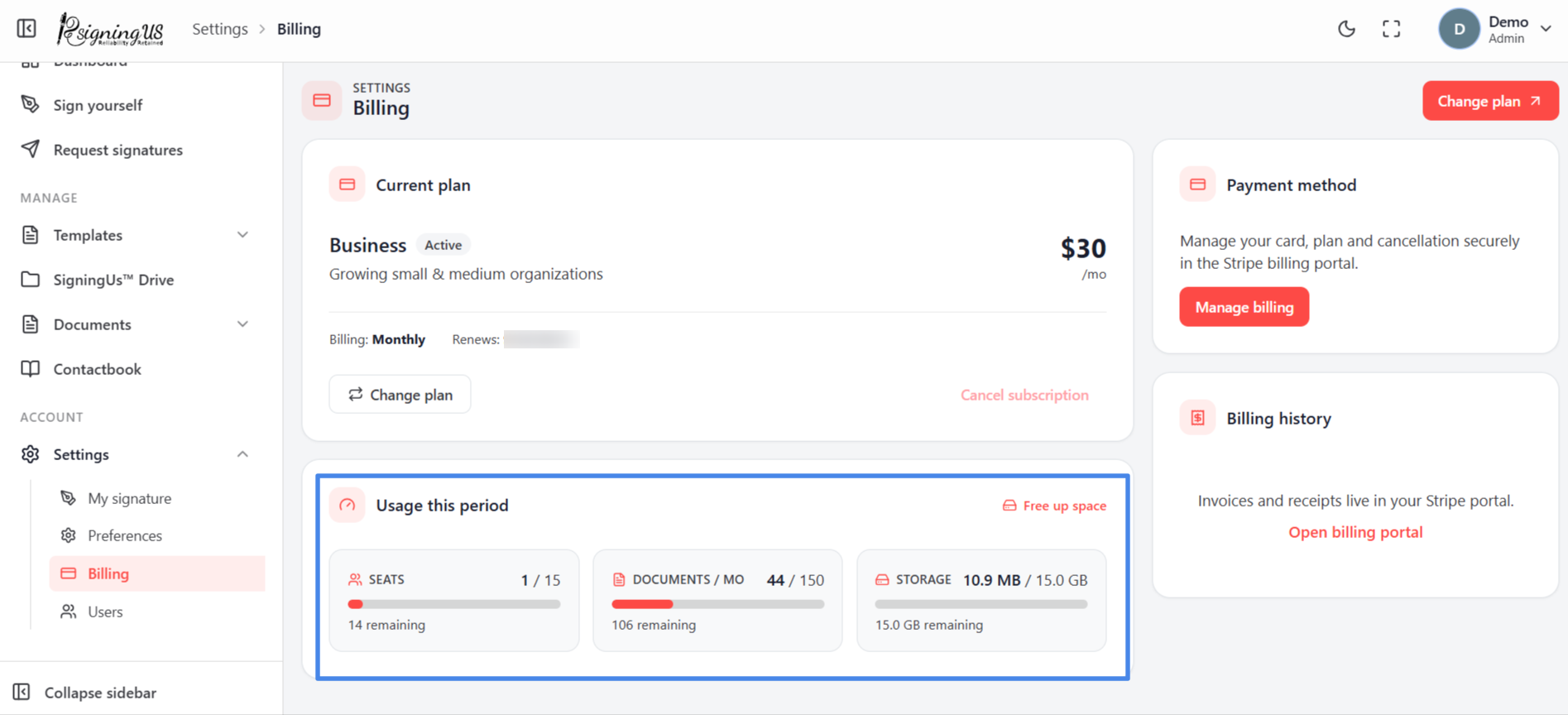
The "Usage this period" section of the Billing page shows three meters, each comparing your current usage with what your plan includes. The dashboard's usage card shows the same three figures and adds a "Running low" chip when you are close to a limit.
| Meter | What counts |
|---|---|
| Seats | Members of your organization. |
| Documents/mo | Documents sent for signature during the current monthly allowance. |
| Storage | Files stored in your organization. |
Some plans allow unused documents to roll over. When rollover documents are available, a note below the meters shows how many documents were carried over from previous months.
When You Reach a Limit#
- Documents: Sending is refused with a message stating that the monthly document limit has been reached. Wait for the allowance to reset or change your plan.
- Storage: Uploads are refused. Free up storage space or change your plan.
- Seats: Adding, inviting, or reactivating members is refused. Deactivate or remove members, or change your plan.
Still stuck? Email support@signingus.com and tell us which page you were on and what you expected to happen.