
Extend an expired document
Give signers more time by moving a document's expiry date.
2 min readUpdated
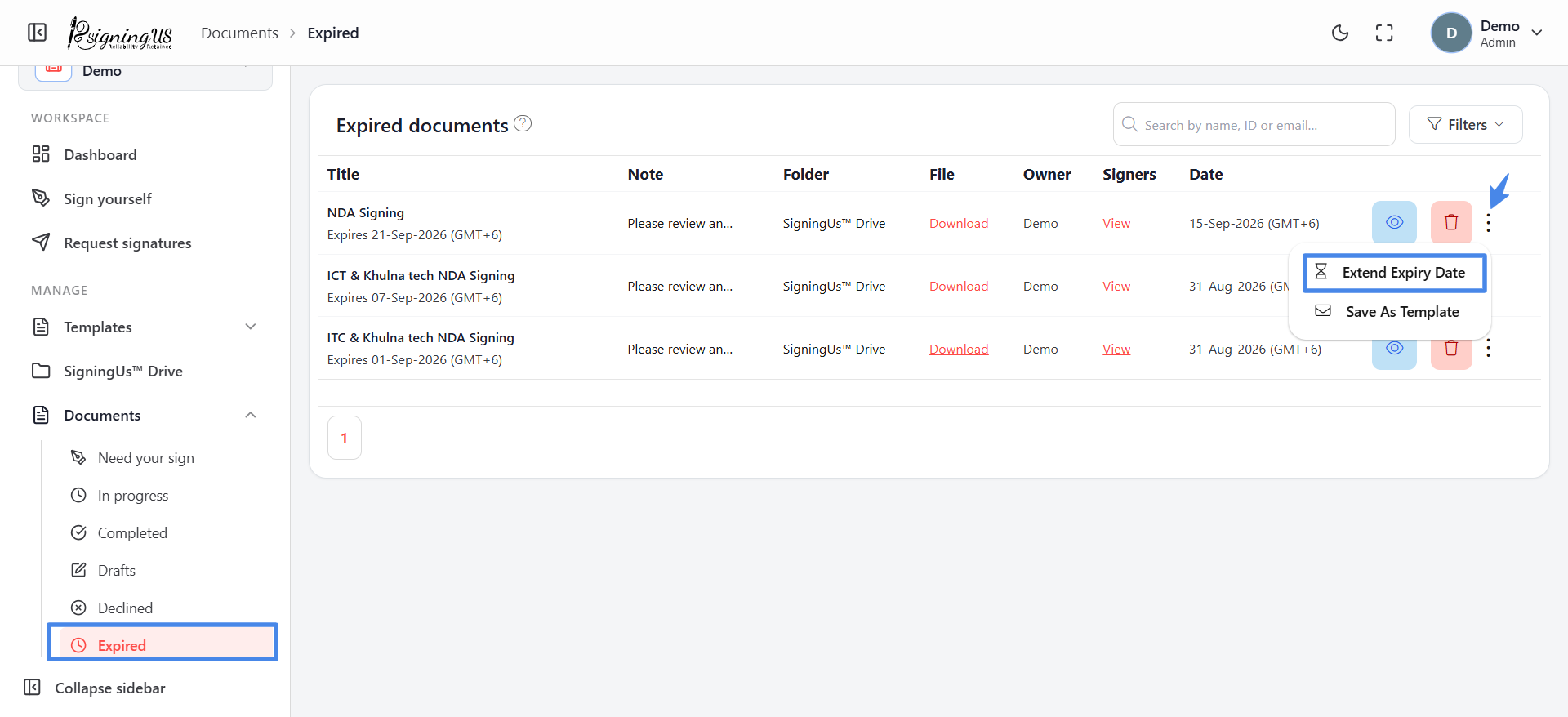
A document expires when its "Time to complete" period ends before everyone has signed. Signers who open the link after that see "Expired document". You can reopen the document by setting a later expiry date.
- Open Documents → "Expired".
- Open the ⋮ menu on the document and select "Extend expiry date".
- Select a new "Expiry date".
- Select "Update". The document becomes available for signing again.
As the document owner, you can also extend the expiry date from the "Expired document" message that appears when you open the expired document yourself.
Still stuck? Email support@signingus.com and tell us which page you were on and what you expected to happen.