
After You Sign
What you can do with a document after you have signed it yourself.
2 min readUpdated
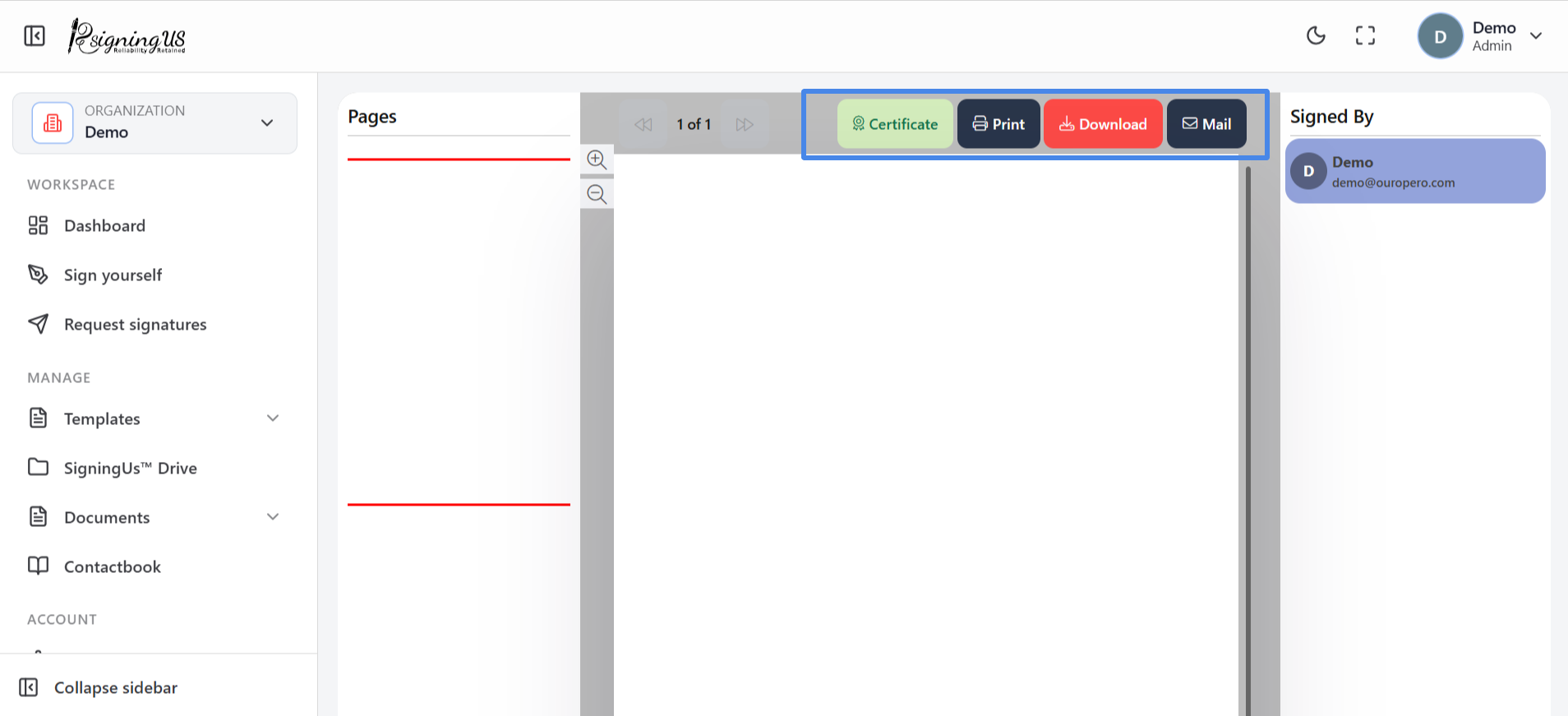
After you finish, the document is marked as signed, and the toolbar provides four actions. You can access these actions at any time by opening the document from Documents → Completed or from SigningUS™ Drive.
| Button | What it does |
|---|---|
| Download | Saves the signed PDF to your device. |
| Opens the signed document for printing. | |
| Certificate | Downloads the completion certificate that records the signing. It may take a moment to generate; "Generating certificate" appears while it is being prepared. |
| Emails the signed document to other people. |
Email a Copy#
- Select "Mail".
- Enter an email address and press Enter. Repeat for each recipient.
- Select "Send".
Still stuck? Email support@signingus.com and tell us which page you were on and what you expected to happen.