
Field types
The fifteen fields available in the "Fields" panel and what each one collects.
4 min readUpdated
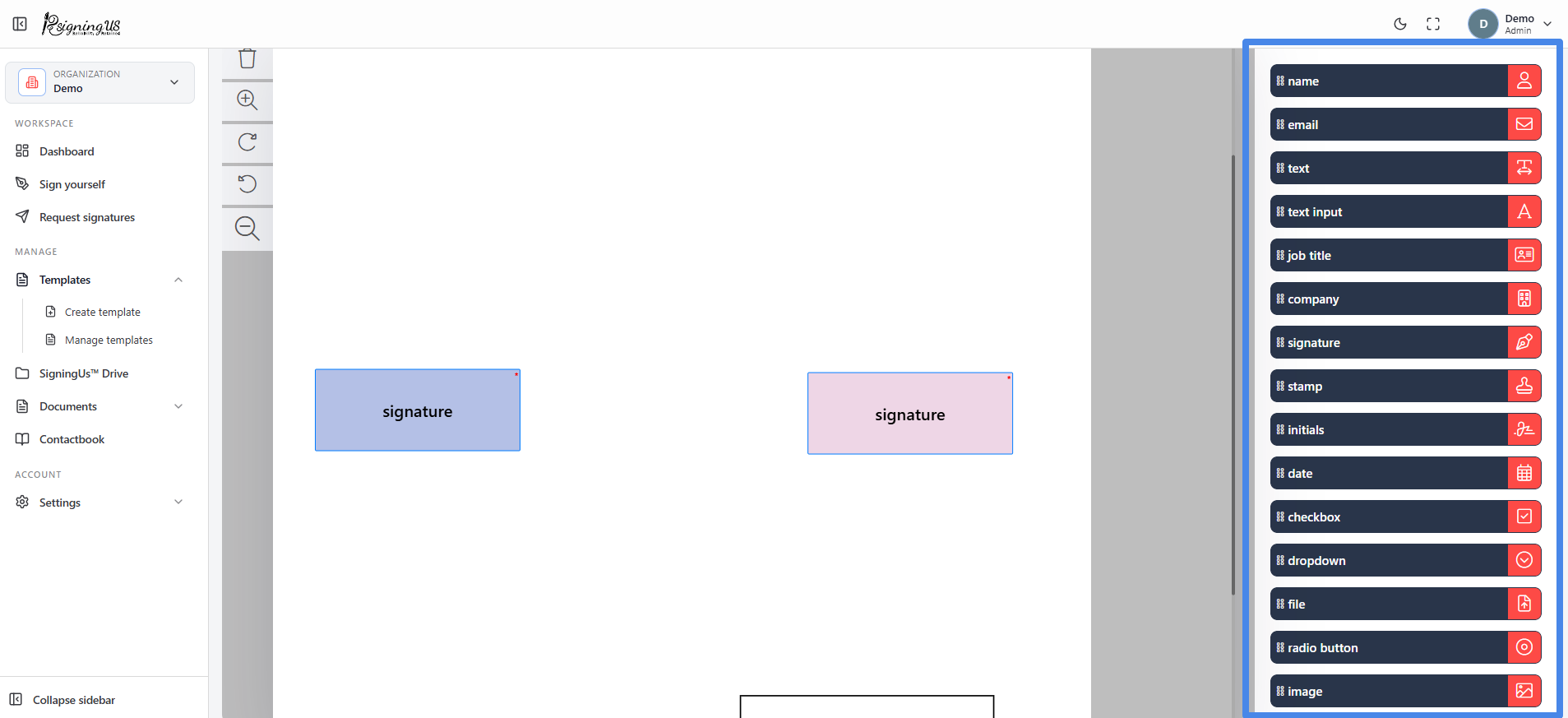
Select a recipient, then drag a field from the "Fields" panel onto the page. The field is assigned to the selected recipient and uses their color. Drag a field to move it, or drag its edge to resize it.
| Field | What it is for |
|---|---|
| Signature | The signer's signature. Every signer must have at least one. |
| Stamp | An image of a company stamp or seal uploaded by the signer. |
| Initials | The signer's initials, for example, on every page. |
| Name | The signer's name. |
| Job title | The signer's job title. |
| Company | The signer's company. |
| Date | A date displayed in the format you choose. |
| Text | Fixed text that you enter before sending. Signers cannot change it. |
| Text input | A field where the signer can enter text. |
| Checkbox | One or more options that the signer can select. |
| Dropdown | A list from which the signer can select one option. |
| File | A file uploaded by the signer, such as an ID or passport. Any file type is accepted. |
| Radio button | A group of options where the signer can select exactly one. |
| Image | A picture uploaded by the signer. |
| The signer's email address. |
You cannot send the document until every signer has at least one signature field. If a signer is missing one, SigningUS identifies the signer who still needs a signature field.
Still stuck? Email support@signingus.com and tell us which page you were on and what you expected to happen.