
Find a Document
Use the search box, column filters, and paging to find a document quickly.
2 min readUpdated
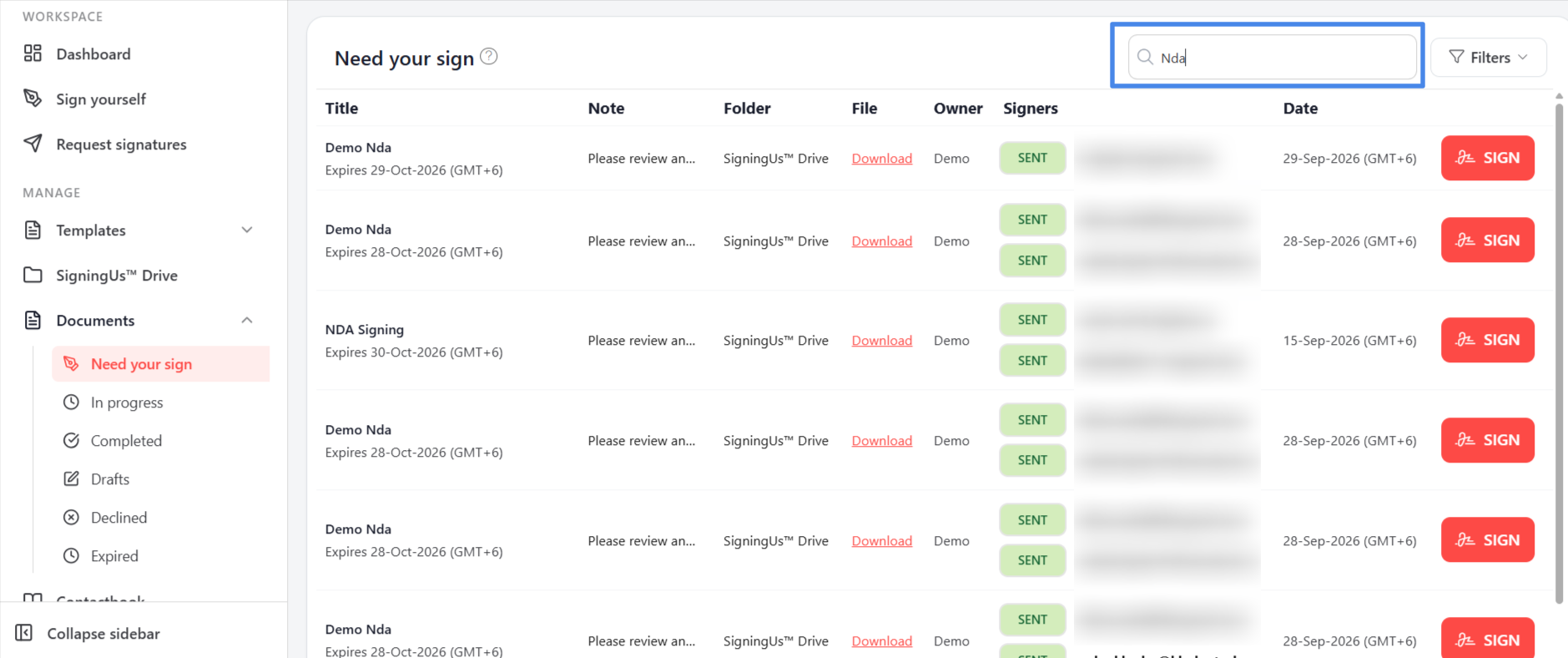
Search#
Enter a term in the search box at the top of a list, "Search by name, ID or email…". It searches document names, document IDs, and signer email addresses.
Filters#
Select "Filters" to narrow the list by column:
| Filter | Choices |
|---|---|
| Title | Any part of the document title. |
| Owner | A specific owner, or "Any". |
| Signers | A specific signer, "Any", or "No signers". |
| File | "Any", "Has file", or "No file". |
| Date | A "From" and "To" date range. |
The list shows "Showing X of Y" while filters are applied. Select "Clear all" to remove them. If no documents match, you will see "No records match your filters".
Paging#
Lists show 10 documents at a time. Use "Prev" and "Next" at the bottom to move between pages.
Still stuck? Email support@signingus.com and tell us which page you were on and what you expected to happen.