
Choose or change a plan
Compare plans, choose monthly or annual billing, and complete your purchase securely.
3 min readUpdated
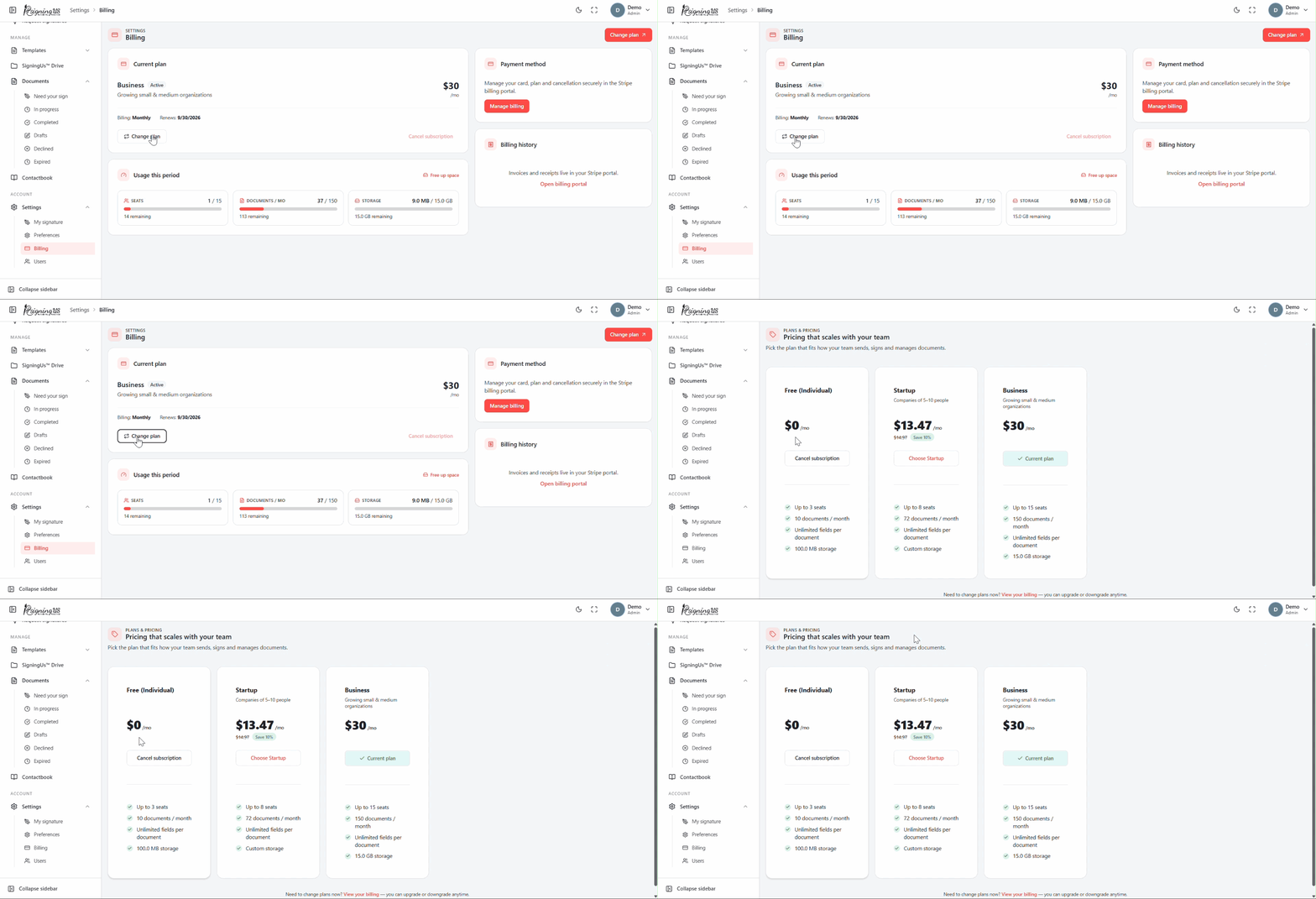
The plans page has no sidebar entry. Open it using "Change plan" or "View plans" on the Billing page, "Upgrade" on the dashboard usage card, or the button on a billing banner.
Compare Plans#
- Use the "Monthly" / "Annual" switch to view prices for each billing interval. Annual billing costs less over the year.
- Each plan card lists its seats, documents, fields per document, storage, and whether unused documents roll over.
- Your current plan is marked "Current plan". A "Most popular" badge highlights the plan most teams choose.
Check Out#
- Select "Choose" followed by the plan name for the plan you want.
- In "Checkout", optionally enter a "Promo code" and select "Apply". A valid code displays its discount; select "Remove" to remove it.
- Select "Continue to secure checkout". You are taken to our payment provider's secure page to enter your card details.
- After payment is completed, you return to Billing and see "You're now on" followed by the plan name.
Custom Plans#
For plans with custom pricing, select "Contact sales" to email our sales team at sales@signingus.com
Still stuck? Email support@signingus.com and tell us which page you were on and what you expected to happen.