
My Signature
Draw or upload a signature and initials once, then apply them with one click when signing.
2 min readUpdated
Everyone can save a default signature and initials from Settings → "My signature". When signing a document, the "My signature", "My initials", and "Auto sign all" options use the saved signature and initials.
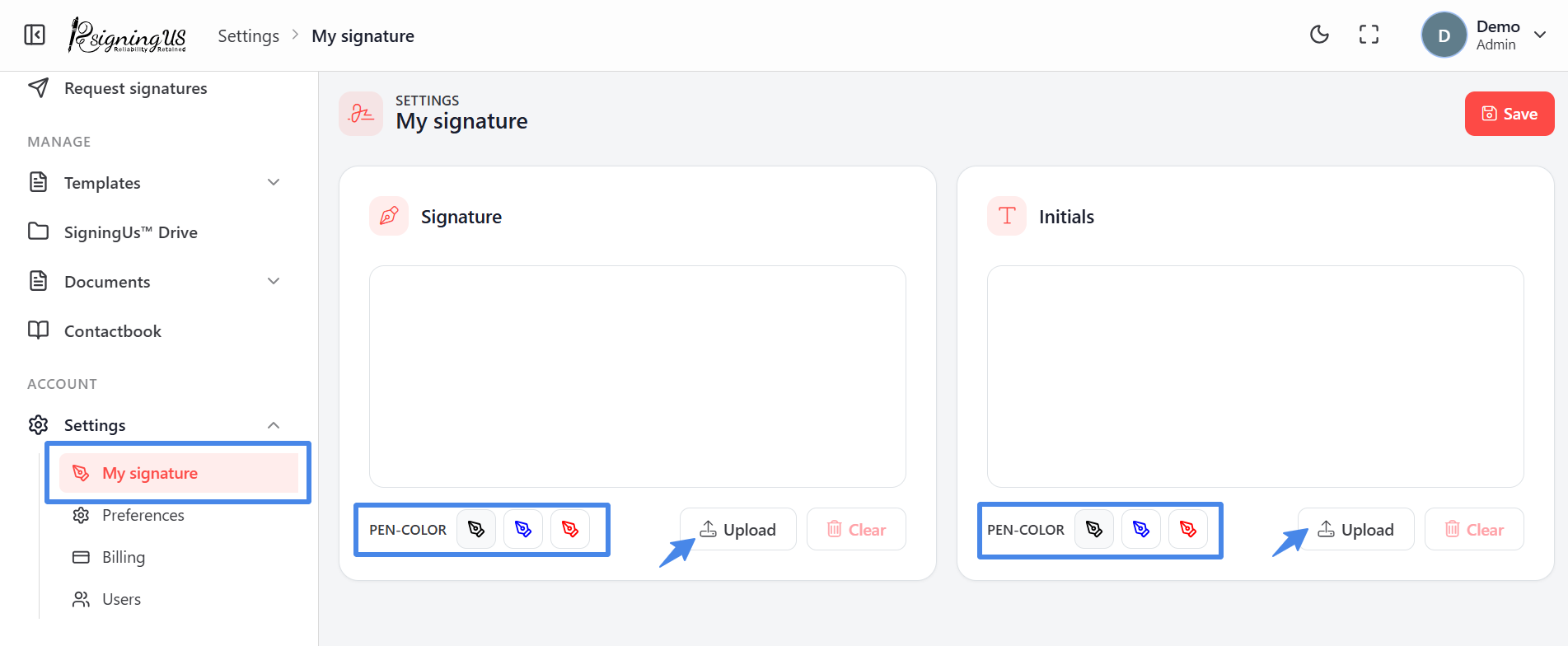
- Go to Settings → "My signature".
- In the Signature area, draw your signature using a mouse, finger, or stylus, or select "Upload" to use an image of your signature.
- Do the same in the Initials area.
- Select "Clear" to start a drawing again.
- Select "Save". You will see "Signature saved successfully."
Still stuck? Email support@signingus.com and tell us which page you were on and what you expected to happen.