
Resend or revoke an invitation
Track each invitation's status and follow up on invitations that are still pending.
2 min readUpdated
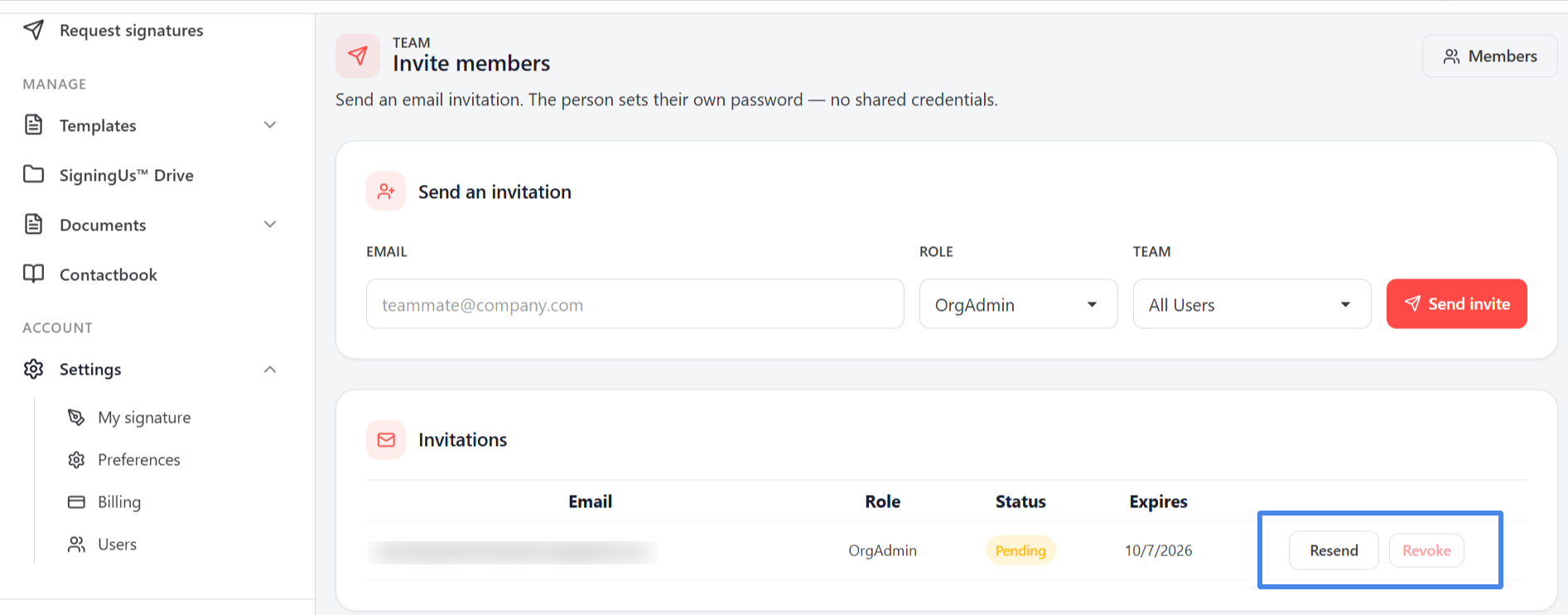
The "Invitations" list on the "Invite members" page shows every invitation you have sent, including its Email, Role, Status, and Expires date. Until you send an invitation, it displays "No invitations yet".
| Status | Meaning |
|---|---|
| pending | The invitation has been sent but has not yet been accepted. |
| accepted | The person has joined your organization. |
| revoked | You cancelled the invitation, so its link no longer works. |
| expired | The link passed its expiry date without being used. |
Follow Up on a Pending Invitation#
- Resend: Sends the invitation link again. You will see "Invitation re-sent".
- Revoke: Cancels the invitation so the link no longer works. You will see "Invitation revoked".
Still stuck? Email support@signingus.com and tell us which page you were on and what you expected to happen.