
Choose a folder when you create a document
Save new documents directly to the appropriate folder from the creation form.
1 min readUpdated
The forms for "Sign yourself", "Request signatures", and new templates include a folder picker. It is optional. If you do not select a folder, the document is saved at the top level of SigningUS™ Drive.
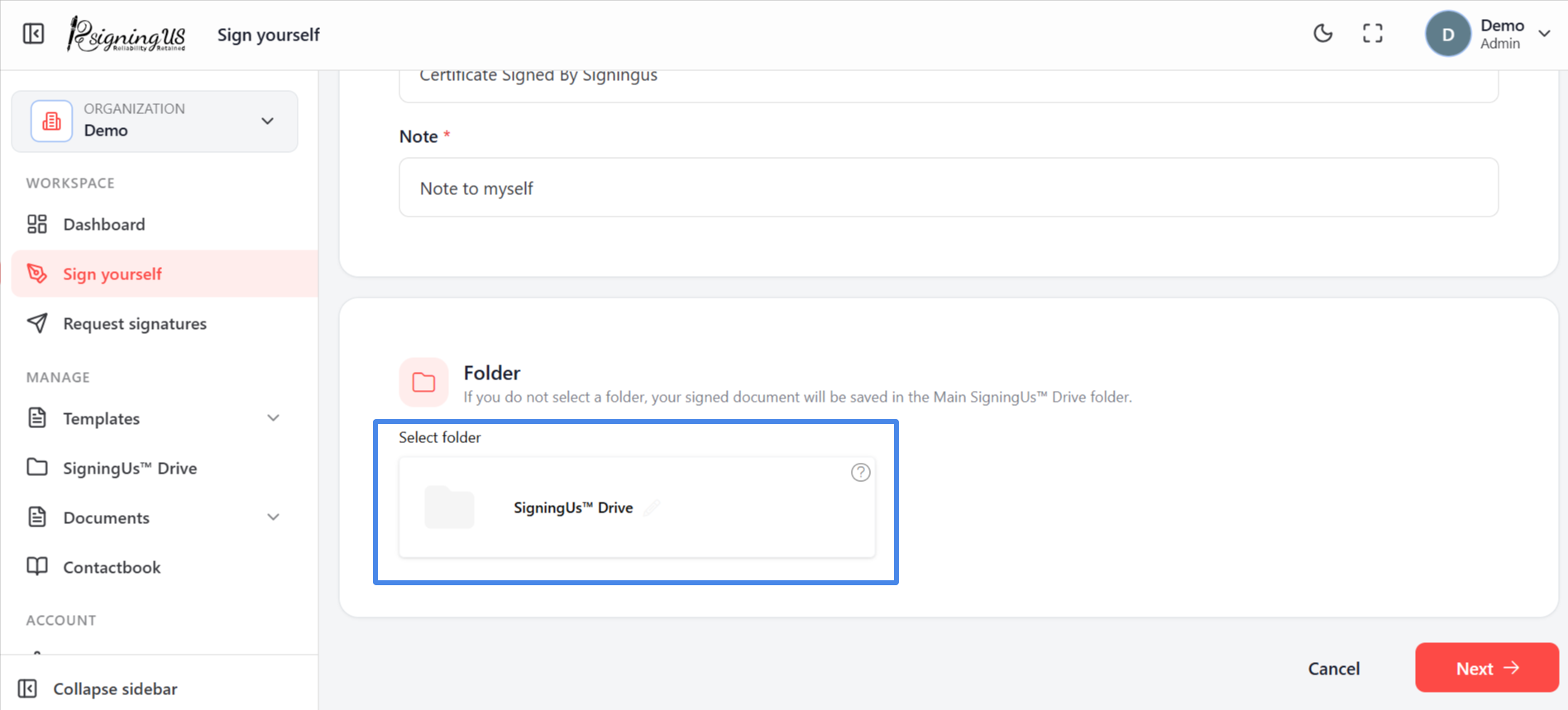
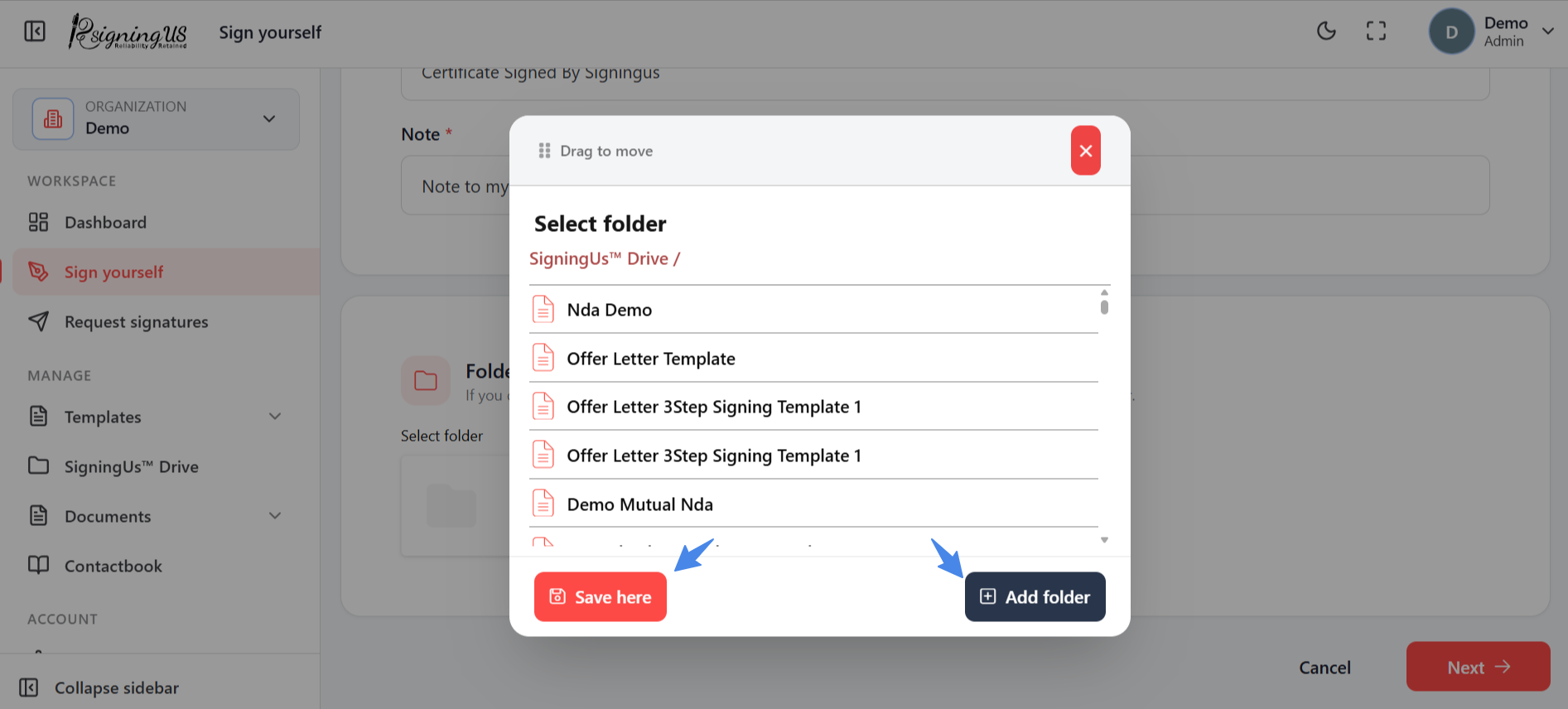
- Select "Select folder" on the form.
- Open the folders to find the one you want. The current path is shown at the top.
- Select "Save here".
The document lists show the selected folder in their "Folder" column.
Still stuck? Email support@signingus.com and tell us which page you were on and what you expected to happen.