
Roles
Admin, OrgAdmin, Editor, and User: what each role can access and which settings it can manage.
3 min readUpdated
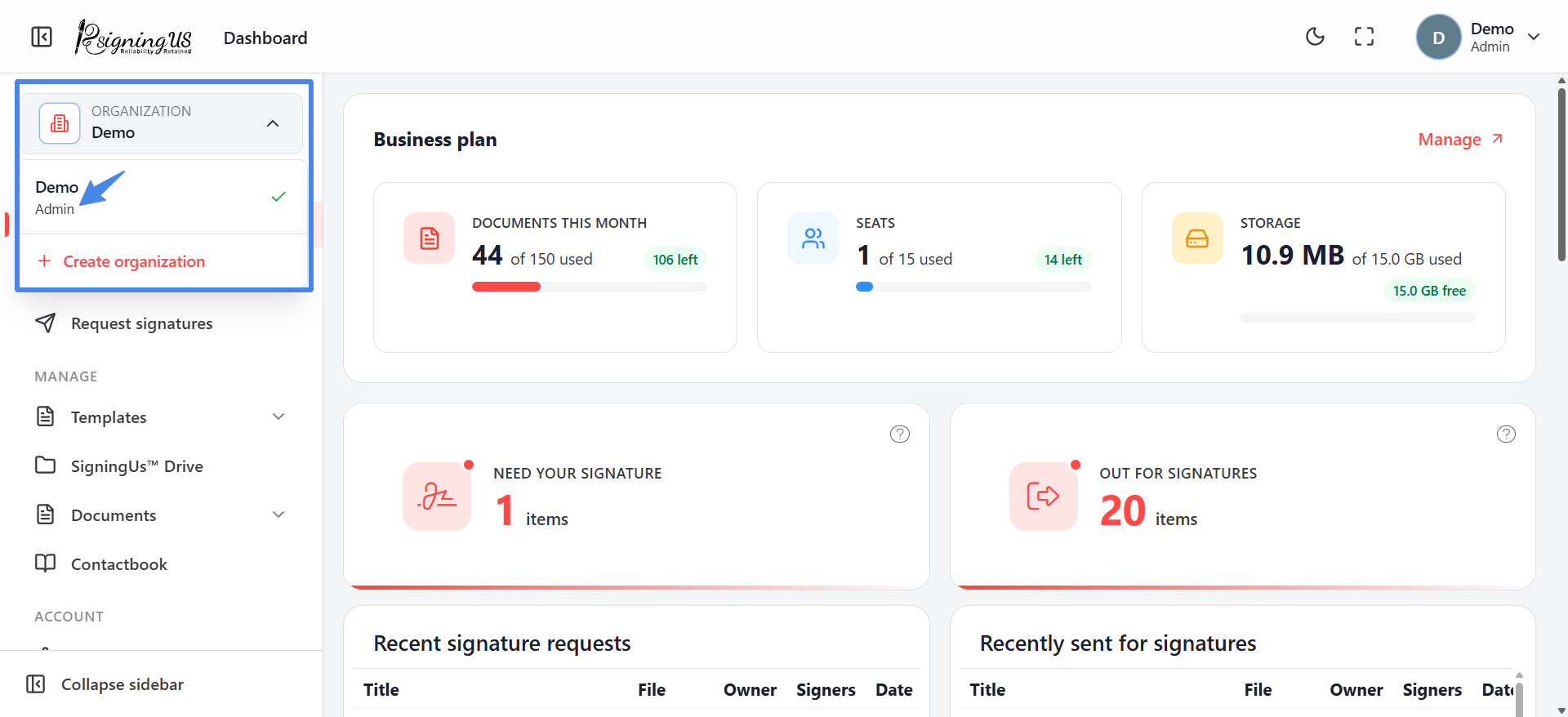
Every member of an organization has one role. The role determines which Settings pages appear in the sidebar and which management actions are available. Regardless of their role, all members can send documents, sign documents, use templates, and work with their Drive and Contactbook.
| Role | Who has it | What they see |
|---|---|---|
| Admin | The person who created the organization. There is one Admin per organization. | Everything: My signature, Preferences (including the Email tab), Billing, and Users. The Admin's row on the Users page cannot be edited, deactivated, or removed. |
| OrgAdmin | Anyone the Admin assigns this role to. | My signature, Preferences (General tab only), Billing, and Users. Can add, edit, invite, deactivate, and remove members. |
| Editor | Anyone the Admin assigns this role to. | My signature only under Settings. Can share their templates with the team. |
| User | Anyone the Admin assigns this role to. | My signature only under Settings. |
Choosing a Role#
You select a role when adding someone or sending an invitation. You can change the role later from "Edit user". The Admin role cannot be assigned to another person from the app.
Still stuck? Email support@signingus.com and tell us which page you were on and what you expected to happen.