
Your Profile
Change your photo, name, phone, country, company, job title, and interface language.
3 min readUpdated
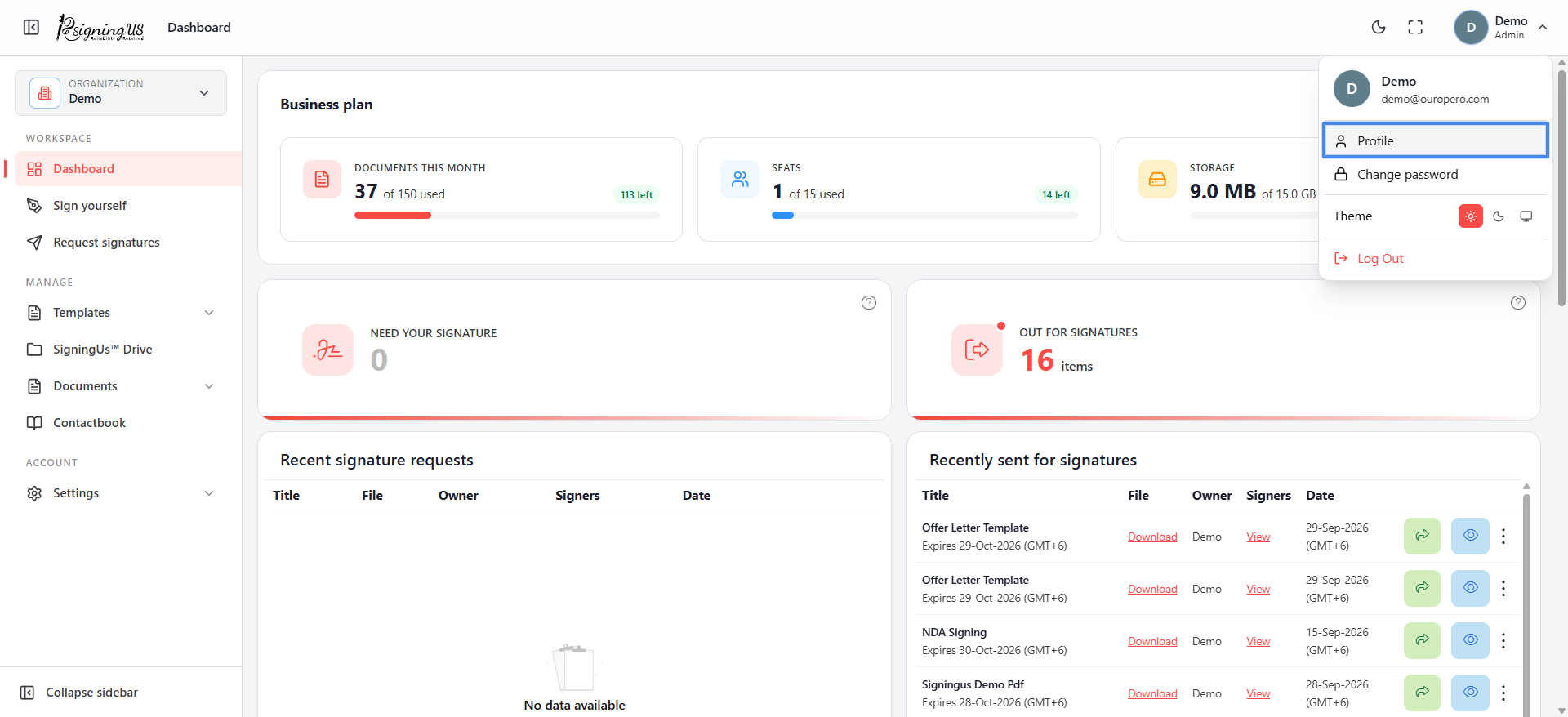
Open your profile from the avatar in the top-right corner → "Profile". The page is divided into "Personal information", "Professional information", and "Account & security". Fields you have not filled in show "Not provided".
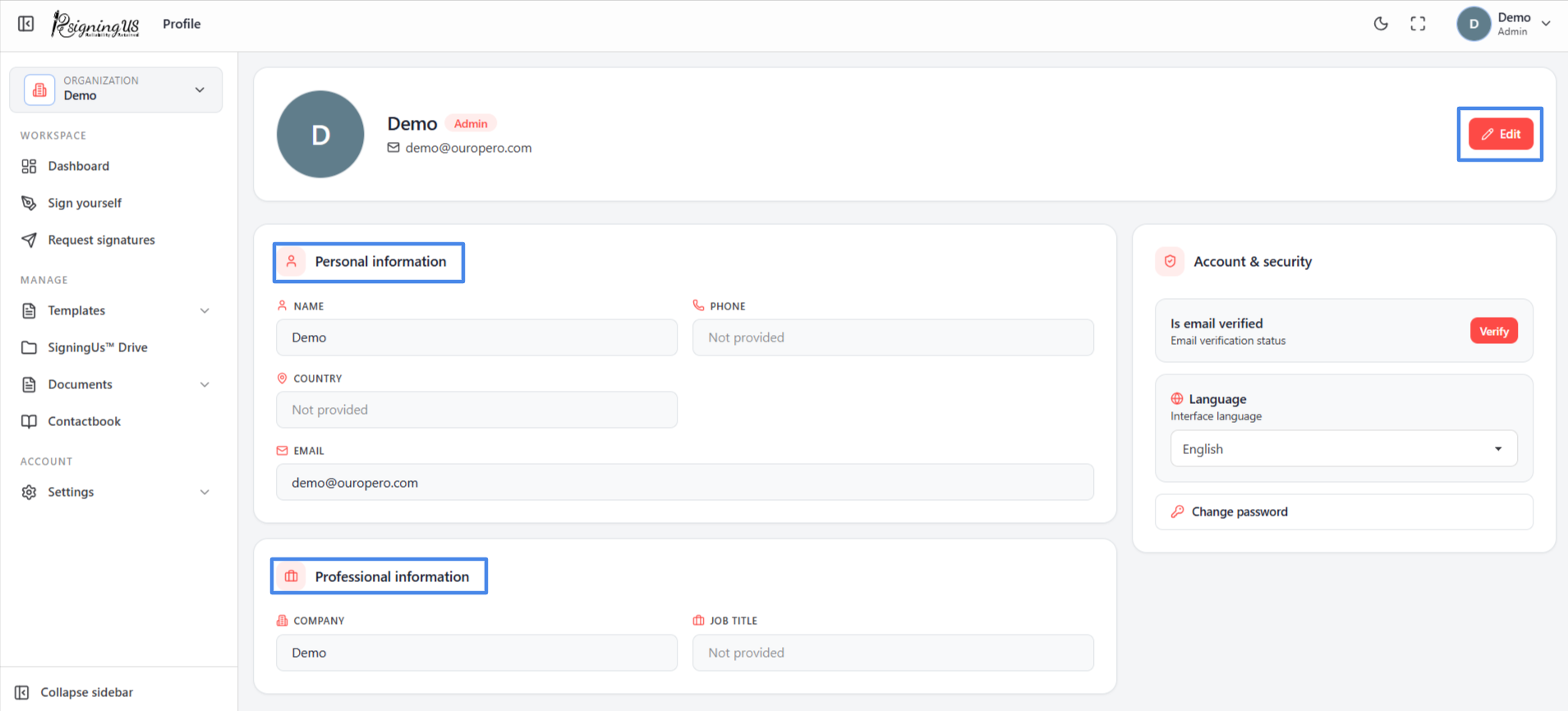
Edit Your Details#
- Select "Edit".
- Under "Personal information", update your Name, Country code, Phone, and Country.
- Under "Professional information", update your Company and Job title.
- Select "Save" to keep the changes, or "Cancel" to discard them.
Change Your Photo#
Select "Change photo" and choose a PNG, GIF, or JPEG image. "Uploading photo…" appears while the image is being saved.
Account & Security#
- Email verification status: Shows "Verified", or a "Verify" button that sends you a six-digit verification code.
- Interface language: Controls the language used for the app's menus and messages. Available languages are English, Spanish, French, Italian, German, and Hindi.
- Change password: Opens the password change page.
Still stuck? Email support@signingus.com and tell us which page you were on and what you expected to happen.