
After Signing
The confirmation page, downloading or printing your signed copy, and what happens when a document expires or is declined.
2 min readUpdated
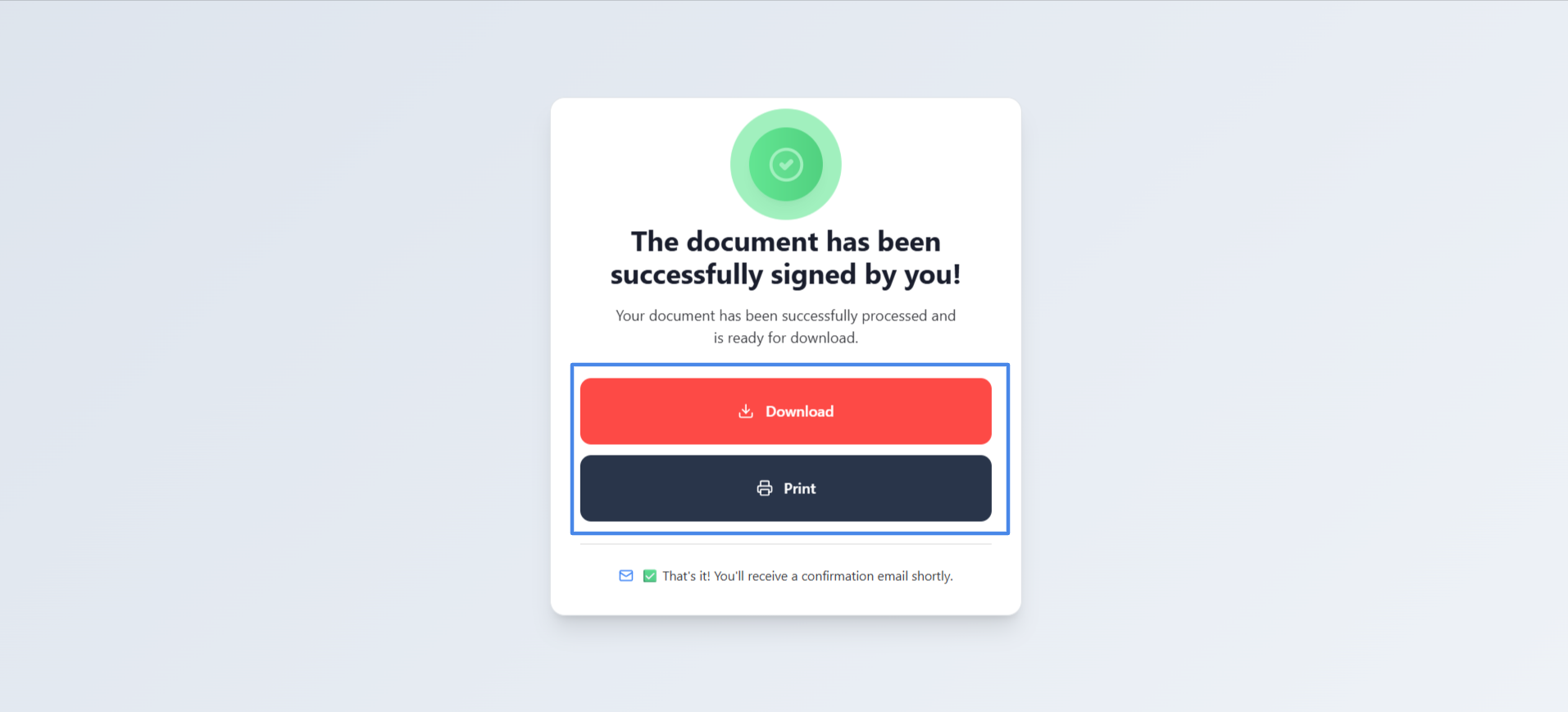
If the sender has set up a redirect link, you will be taken to their web page. Otherwise, SigningUS displays a confirmation page:
| You see | What it means |
|---|---|
| The document has been successfully signed by you! | Your part is complete, but other participants still need to sign. |
| The document has been signed successfully! | You were the last signer. "All participants have completed the signing process." |
Use "Download" or "Print" on the confirmation page to keep a copy of the document.
Your Signed Copy by Email#
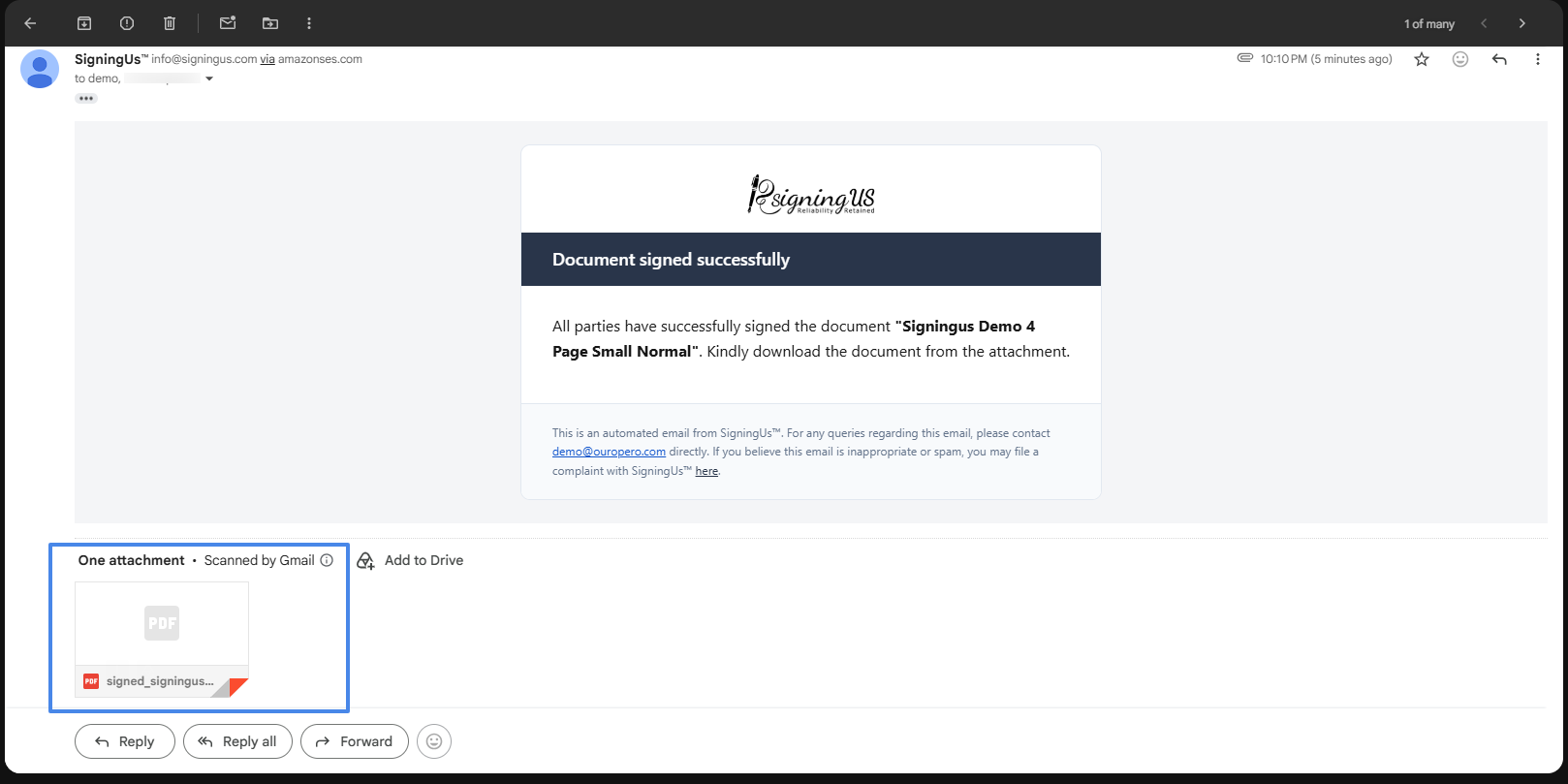
Once everyone has signed, each signer and the sender receive an email with the signed document and completion certificate attached.
Expired or Declined Documents#
If you open a signing link after the deadline, you will see "Expired document" along with the expiration date. The document can no longer be signed. If someone has declined the document or the sender has revoked it, you will see "You can not sign this document as it has been declined/revoked." In either case, contact the sender. They can extend the deadline or send you a new signing request.
Still stuck? Email support@signingus.com and tell us which page you were on and what you expected to happen.